SIMPLE DESIGN | Changing Colors in PS
If you are as picky as I am, you want your color to be perfect. Often times I watercolor or draw with markers, and end up scanning in my designs.
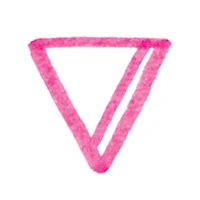
Tip #1 : Use a color when you draw or paint instead of black. You can change the hue and saturation of a color, but you pigeonhole yourself when you use only black. I find PINK translates well to other color options, and it is wonderful to have options while designing.
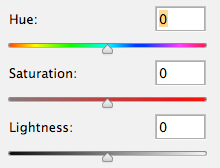
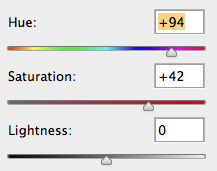
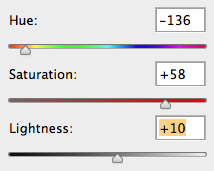
To change the hue/saturation of a color follow this path:
Image > adjustments > hue and saturation
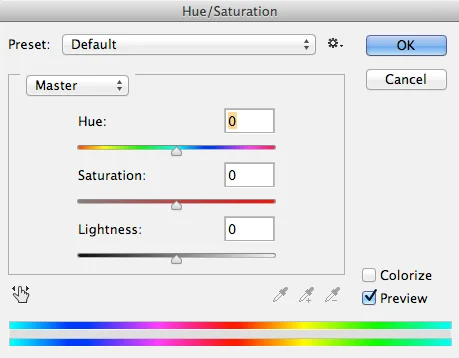
I scanned in a watercolor drawing to demonstrate easy color changes you can make by moving the sliders.


You can start playing with multiple layers, and experiment with your design over images you think it might work with.
Perhaps black + white makes more sense for your design aesthetic.